

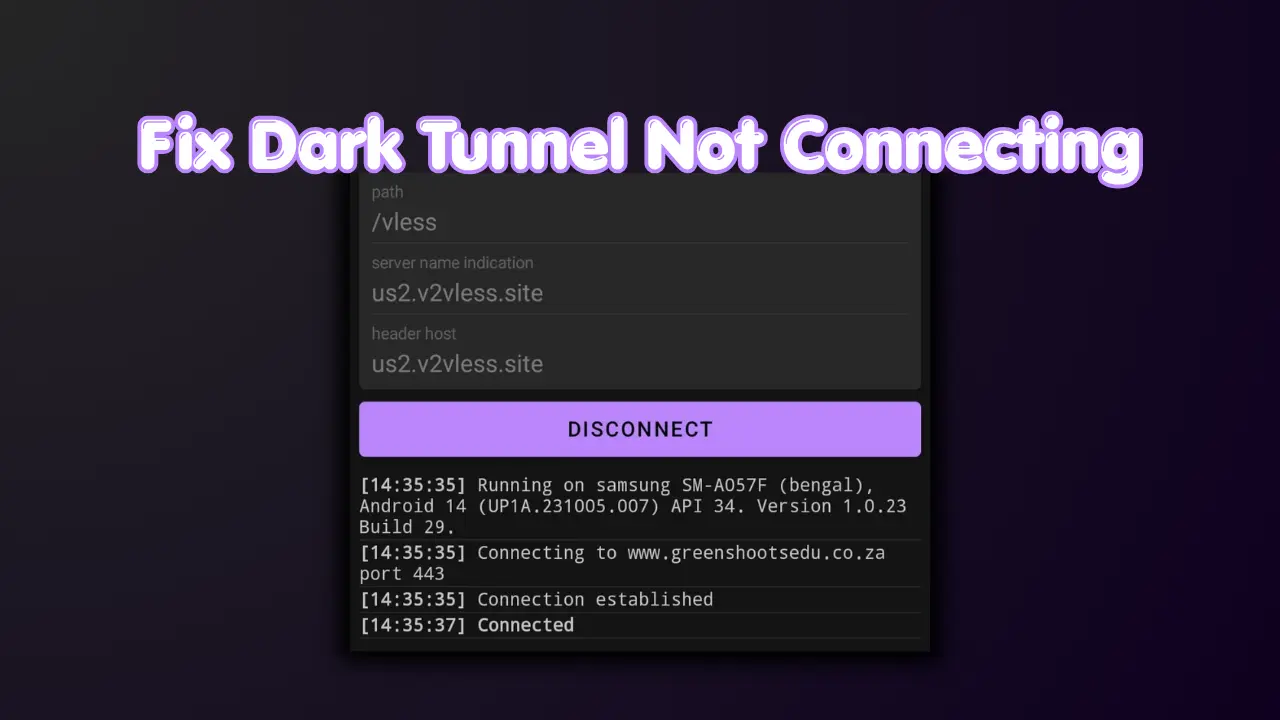
1.Step 1: Use a Working Config File
Most connection problems are caused by expired, incompatible, or blocked config files. If your current file isn't working, the fastest fix is to download a fresh one.
Always try multiple files, not all configs work all the time for every region or network.
2.Step 2: Check Your Network
A weak or incorrect network setup will prevent Dark Tunnel from establishing a connection.
Some configs only work on specific networks. Make sure you are using a config built for your SIM card.
3.Step 3: Toggle Airplane Mode
Toggling Airplane mode refreshes your IP address and connection to the cell tower, which often resolves connection loops.
Turn ON airplane mode ✈️
Wait 10–15 seconds
Turn it OFF
Try connecting again
4.Step 4: Re-Import the Config File
Sometimes configs don’t load properly into the app's memory during the first import.
5.Step 5: Restart the App
A simple app restart can clear background glitches preventing a successful connection.
Close Dark Tunnel completely from your recent apps menu, then reopen it and try connecting again.
6.Step 6: Clear App Cache
Clearing the cache resolves issues where old, corrupted data interferes with the app's functionality.
Go to your phone Settings
Select Apps → Dark Tunnel
Tap on Storage
Tap Clear Cache
7.Step 7: Try Different Configs
If one config doesn’t work, don't give up immediately. Different configs use different bug hosts and servers.
8.Step 8: Try Different Times
Network congestion can cause the VPN connection to fail or timeout. Some methods work better during off-peak hours.
At night
Early morning
9.Step 9: Do NOT Change Settings
A common mistake is trying to edit the settings inside the app after importing a file.
Most users break configs by editing settings.
- Leave everything exactly as it is
- The files are already perfectly pre-configured
10.Step 10: Update the App
Older versions of Dark Tunnel might not support newer config formats or updated protocols.
Update Dark Tunnel
Make sure you’re using the latest version from the Google Play Store.