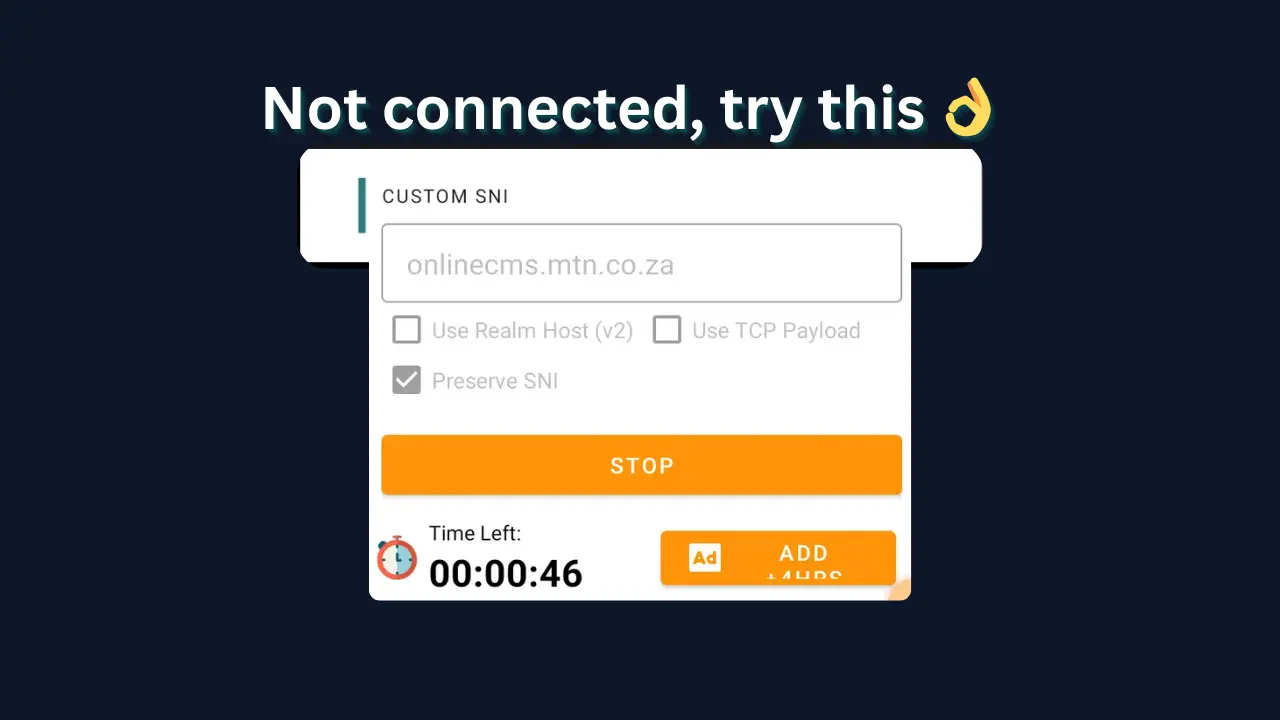
1.Why HA Tunnel Is Not Connecting
Struggling with HA Tunnel Plus not connecting? This is one of the most common problems users face. Most issues are easy to fix once you identify the cause.
Common Reasons for Failure
- Expired or blocked SNI host
- Wrong connection settings
- Network restrictions
- Outdated config file
- App issues or bugs
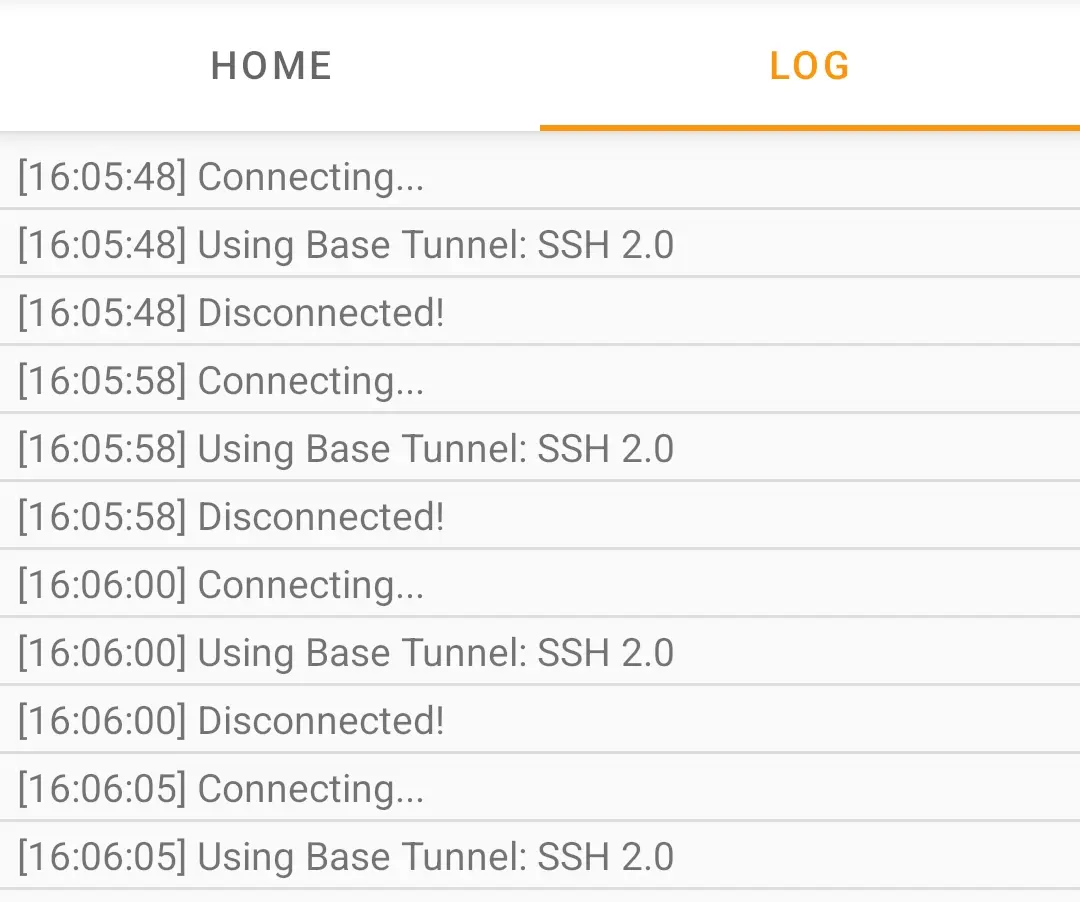
2.Fix 1: Try a Different Config File
Sometimes the config file you’re using is no longer working. SNIs get patched by ISPs frequently, making old files useless.
Get Fresh Configs
Always download the latest files from our moderated library.
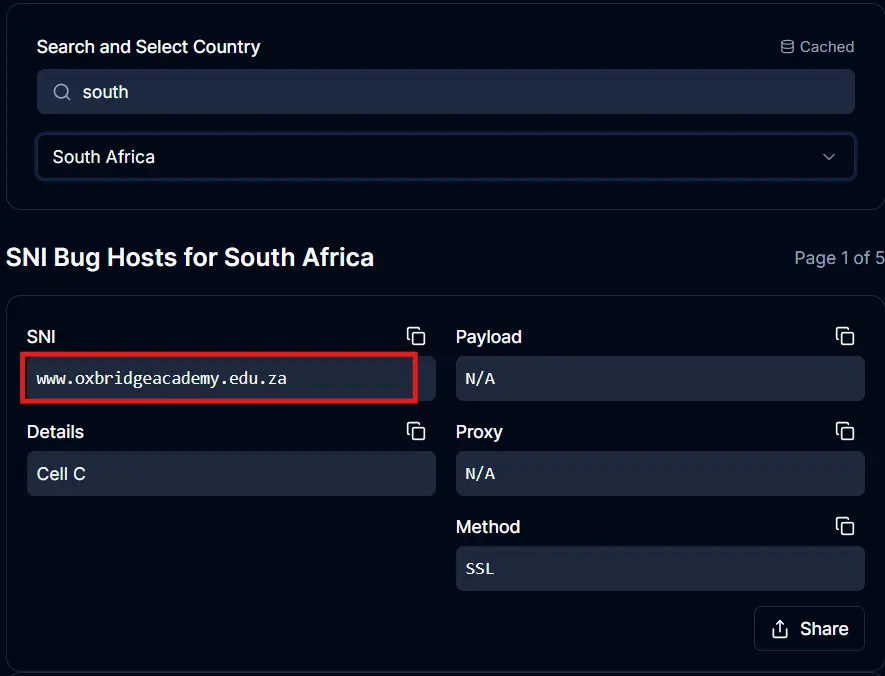
3.Fix 2: Generate a New SNI Bug Host
A blocked SNI is the main reason for connection failure. If your manual setup isn't working, try a new bug host.
1. Visit snihost.com/sni-generator
2. Select your country and copy a fresh SNI.
3. Paste it in the Custom SNI field in HA Tunnel Plus.
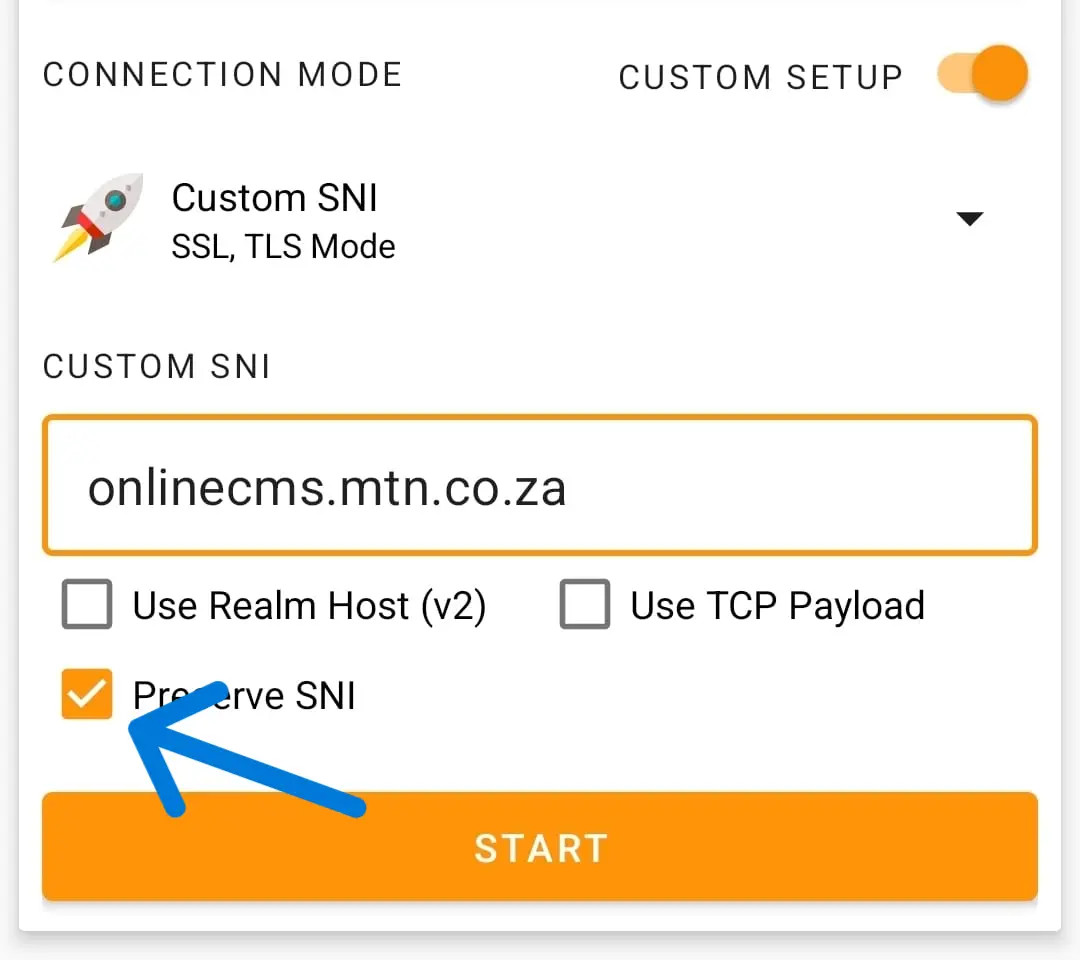
4.Fix 3: Change Connection Options
If you are using a manual SNI, try different combinations of advanced settings.
Option 1
No extra options enabled. Just click Start.
Option 2
Enable Use Realm Host.
Option 3
Enable Use Realm Host + Preserve SNI.
Option 4 (Recommended)
Enable Preserve SNI only. This works best for most modern 4G/5G networks.
5.Fix 4 & 5: Network & App Cache
Network Check
Switch between mobile data and Wi-Fi. Sometimes re-adding your APN settings or toggling Airplane Mode can reset the connection.
Clear App Cache
Go to Settings > Apps > HA Tunnel Plus and Clear Cache to remove corrupted temporary data.

6.Server, Updates & Restarts
Check Server Status
If you are using a custom SSH server, ensure it is online and the port (usually 80, 443, or 22) is open.
Restart Phone
Simple but effective. Restarting your device clears network buffers and active sockets that might be stuck.
Try Different Times
Some ISPs use time-based filtering. If it fails mid-day, try late at night or early morning when restrictions might be looser.
Update App
Always ensure you are running the latest version from the Google Play Store to fix security bugs and protocol issues.