

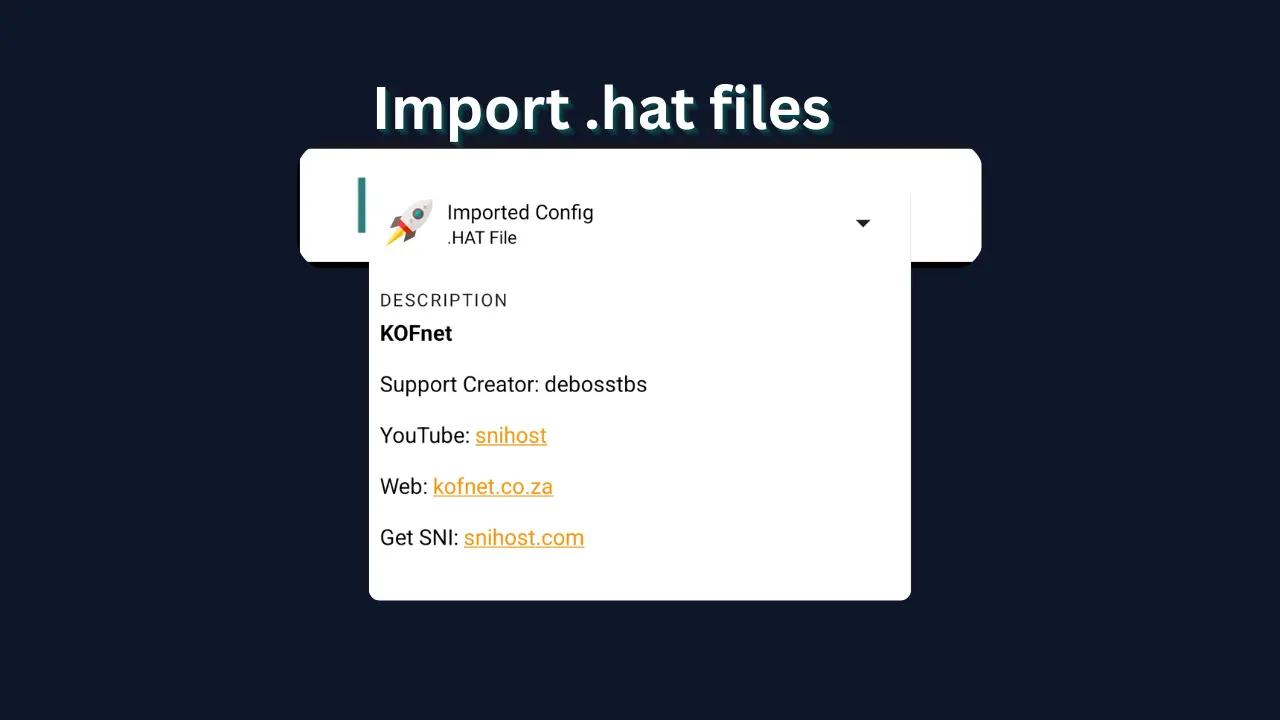
1.What is a HA Tunnel Config File?
If you're trying to access the internet using HA Tunnel Plus, one of the most important things you need to know is how to import config files.
A HA Tunnel config file (usually .hat) is a specialized file that contains all the necessary parameters to bypass network restrictions. Instead of creating everything manually, you just import the file and connect instantly.
What's inside a .hat file?
- Pre-configured VPN settings
- SNI host (bug host)
- Payload settings
- Connection method
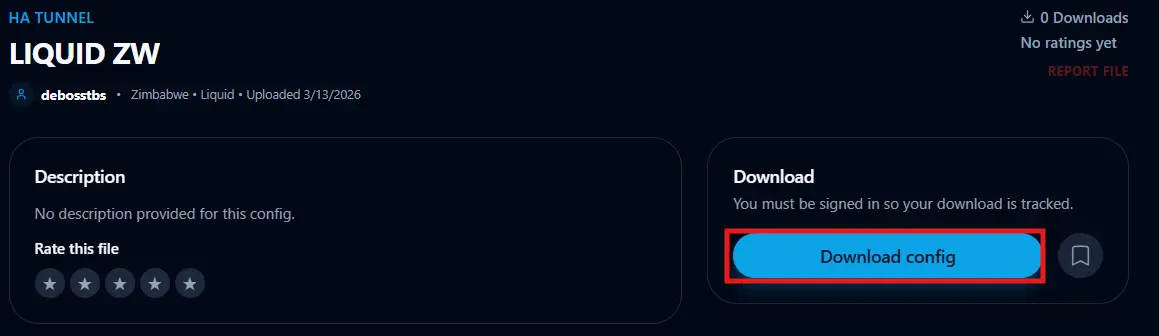
2.Step 1: Download HA Tunnel Config File
Before importing, you need a valid config file. You can find the latest working files right here on our platform.
Ready to start?
Get the latest working files for your network.
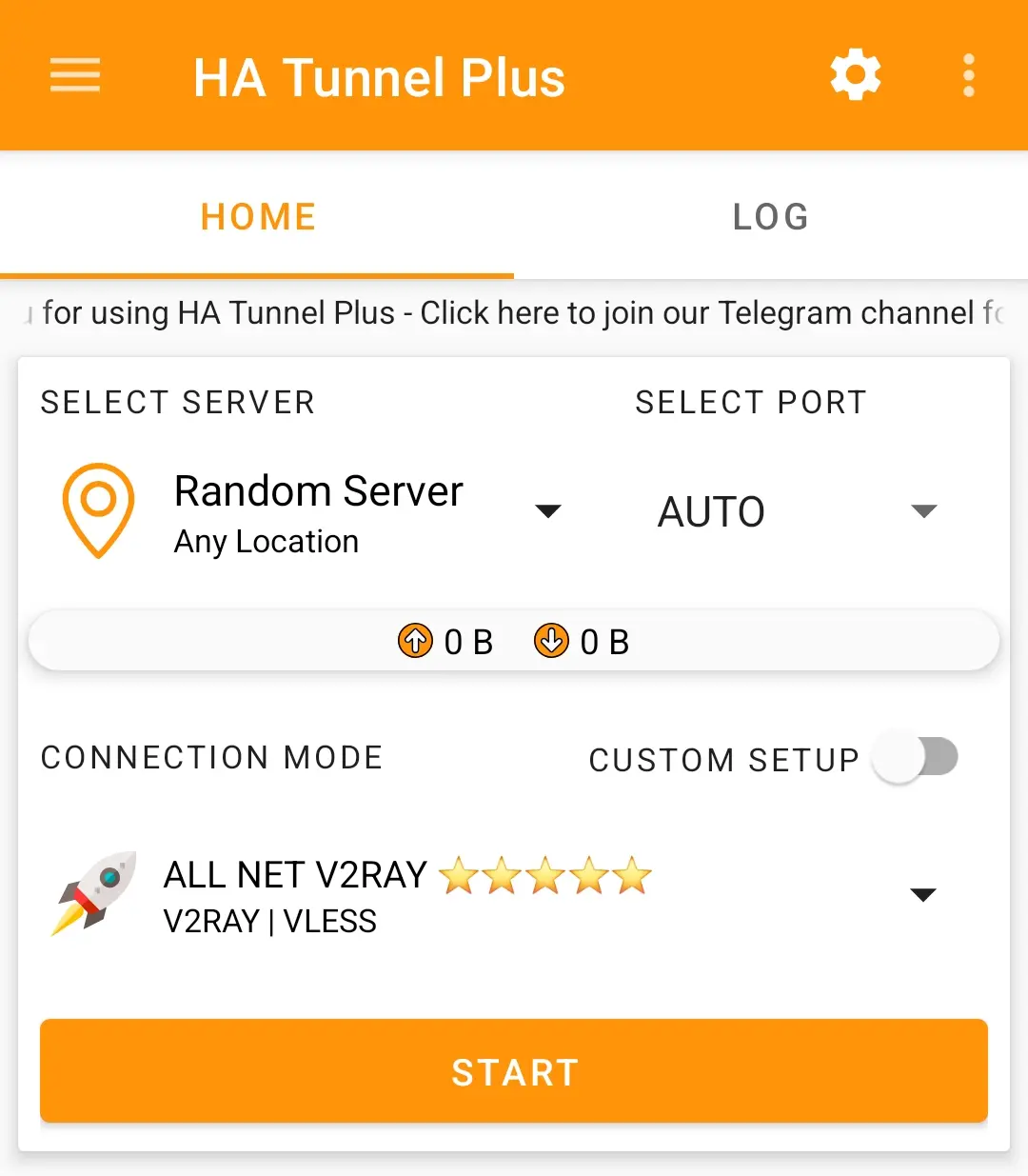
3.Step 2: Open HA Tunnel App
Once you have your .hat file downloaded to your device storage, open the HA Tunnel Plus application.
- Locate the app in your menu and wait for it to fully load.
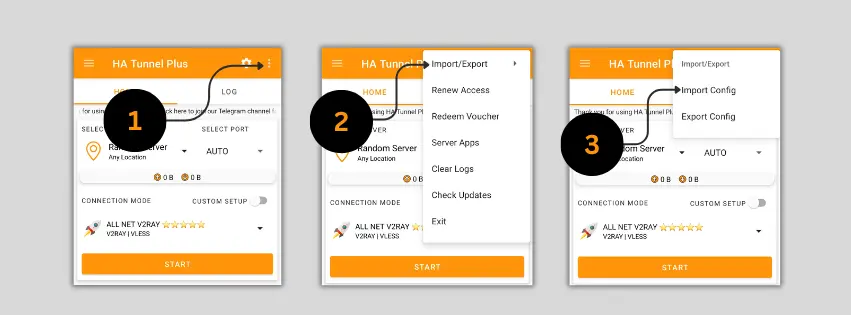
4.Step 3: Tap Import Config
The import option is located in the main menu of the application.
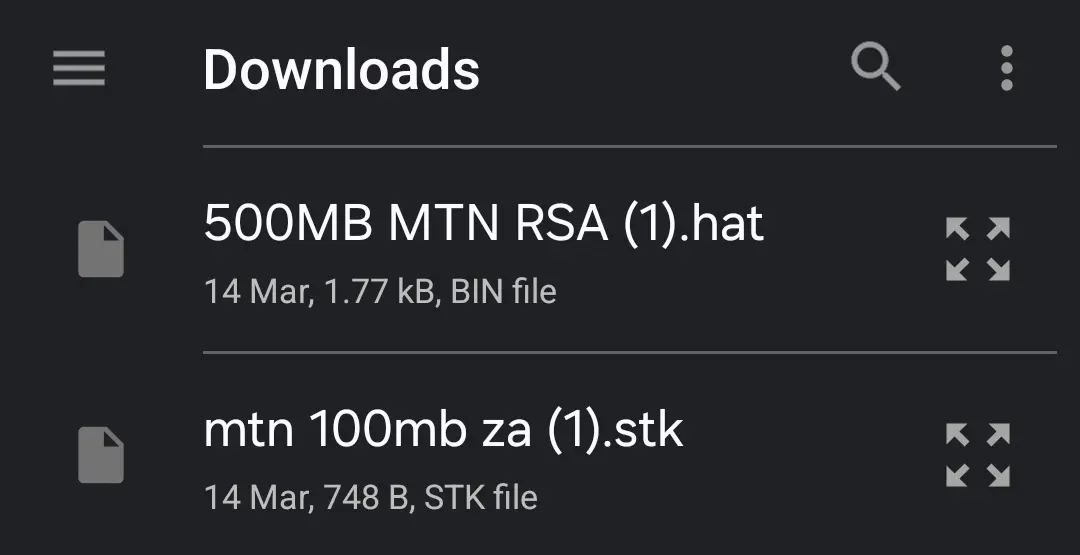
5.Step 4: Locate the Config File
Now you need to find where your phone saved the downloaded file.
Most browsers save files directly to the Downloads folder. If you can't find it, check your browser's download history.
6.Step 5 & 6: Import and Connect
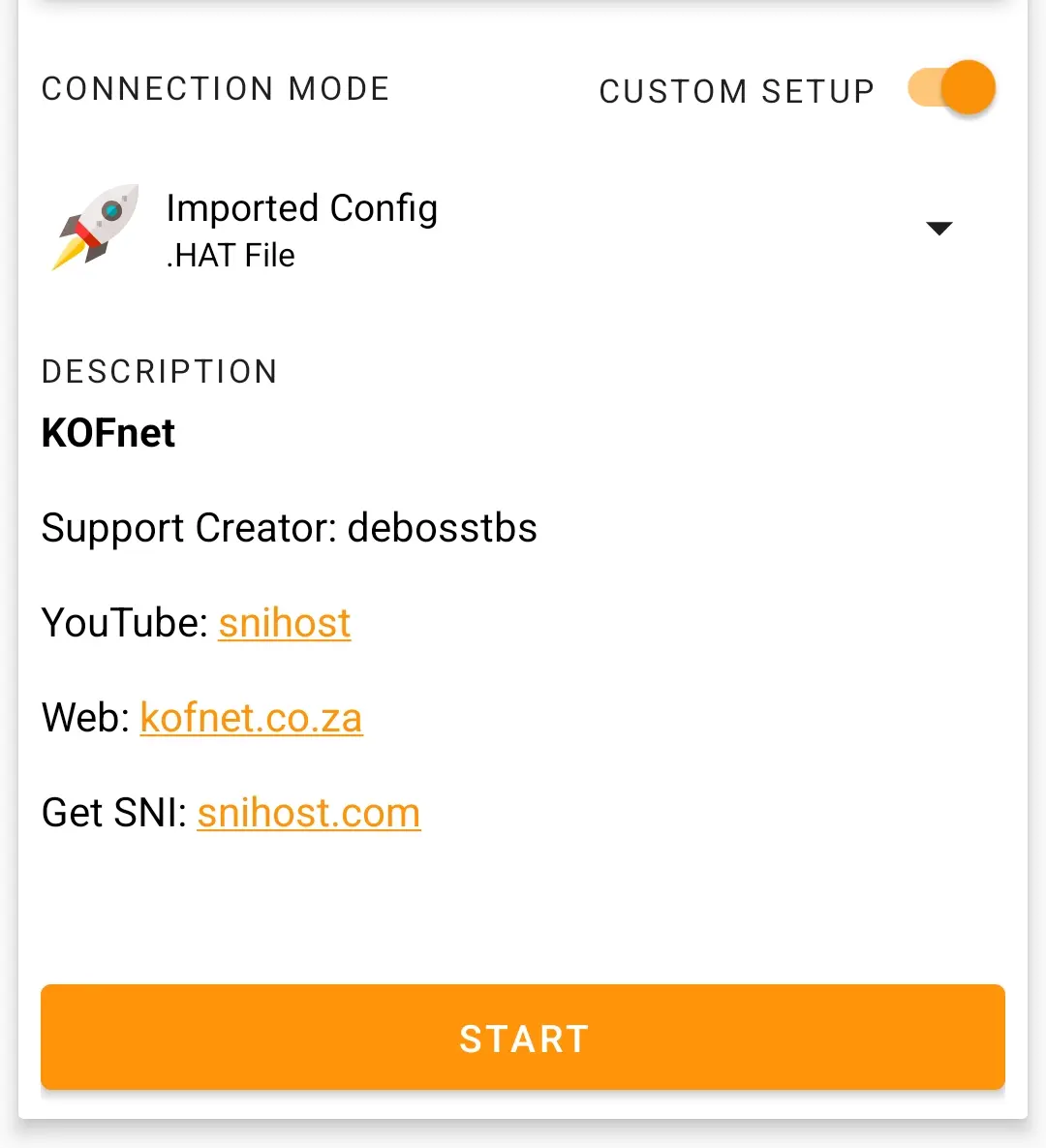
Once you select the .hat file, the app will load all settings automatically. No need to edit anything manually!
Auto-Loading
The app will populate the SNI, payload, and server settings based on the file data.
Start Browsing
Tap START and wait for the "Connected" status (usually a green icon).
7.Common Problems & Fixes
Not Importing
- Ensure extension is .hat
- Re-download the file
Not Connecting
- Try another config file
- Check network/SIM data
App Crashing
- Update HA Tunnel Plus
- Clear app cache
8.Tips & Safety
Optimization Tips
- Always use updated config files
- Try different servers if one fails
- Join Telegram groups for latest configs
- Use stable network (4G/5G)
Security Advice
- Download files from trusted sources
- Avoid unknown configs
- Do not share personal info