
Correct Import MethodBeginner-FriendlyNo Setup RequiredOne-Click Connection

How to Import HTTP Injector Config Files (.ehi) (Easy Guide 2026)

Downloaded a config file but don’t know how to use it? 🤔 In this guide, you’ll learn the correct way to import HTTP Injector config files (.ehi) and connect easily using HTTP Injector.

D
By debosstbs
4 min read
HTTP Injector Import Guide

1.Step 1: Download a Config File

First, download a working .ehi file. Browse our library and look for one that matches your network.

Config Files Library

All downloaded configs are automatically saved to your Downloads folder.

Visit Files Page

2.Step 2: Open HTTP Injector

Now open the HTTP Injector app on your device.

1

Ensure you have the latest version installed from the Play Store.

2

If it's your first time, agree to the terms and permissions.

3.Step 3: Import Config File

Follow these exact steps to import the file you just downloaded into the application:

1Click on the Files icon 📁
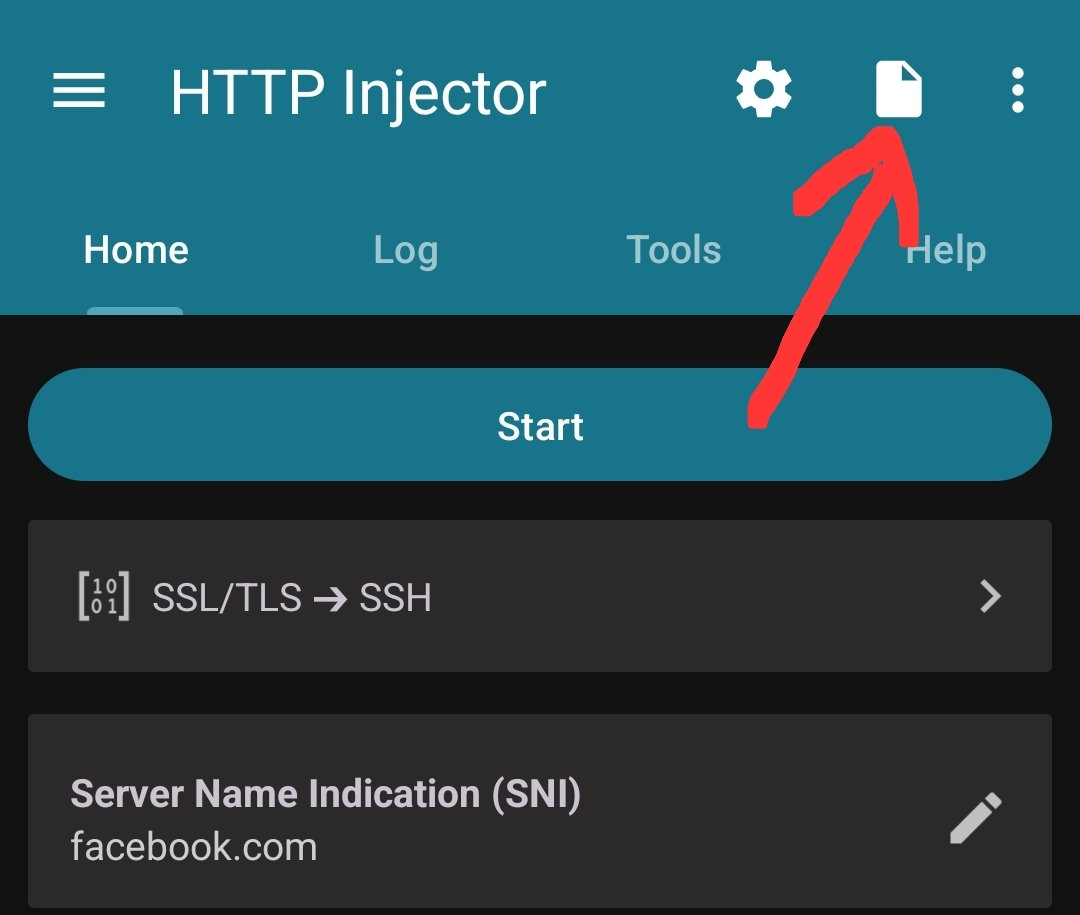
Files icon in HTTP Injector

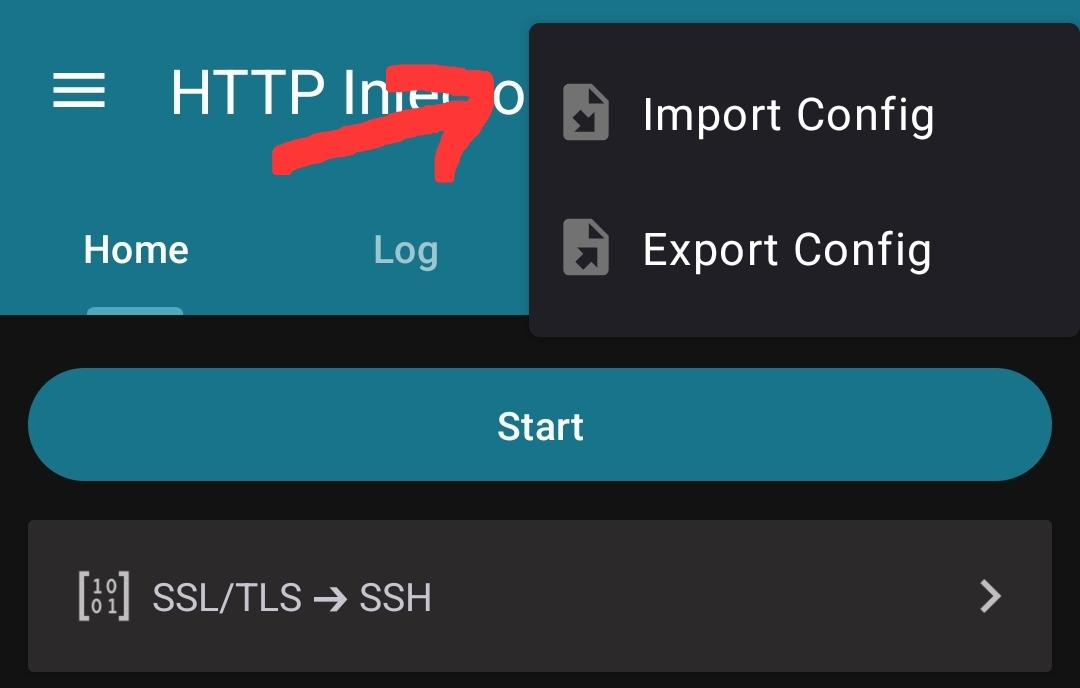
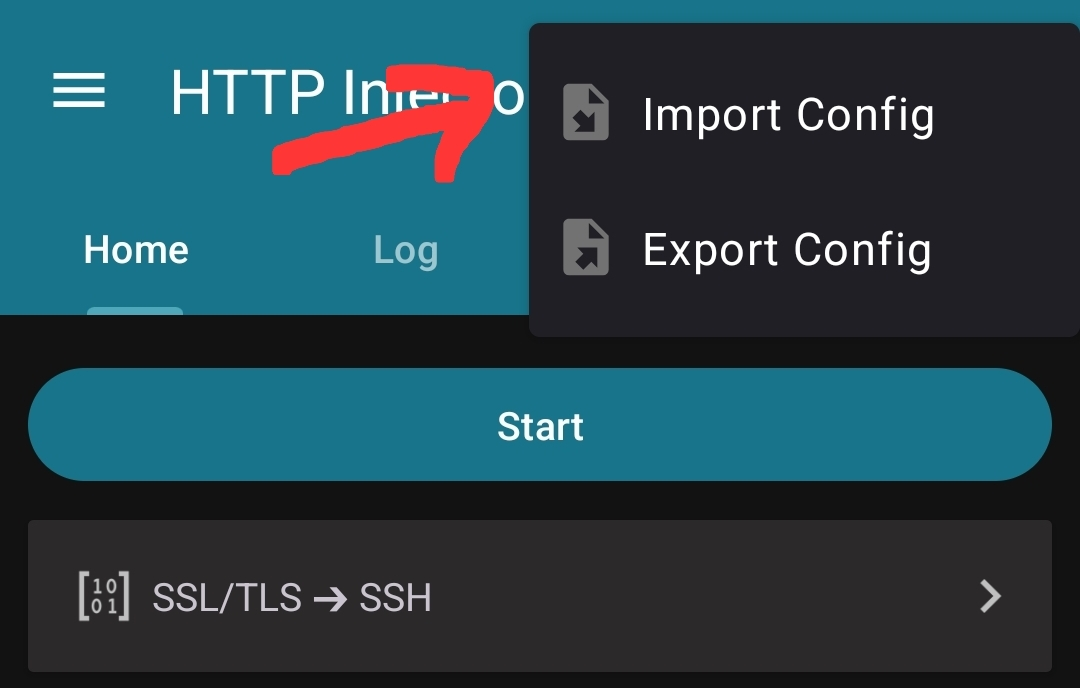
2Select: Import Config

Import Config option

3Go to Downloads and Select your .ehi file
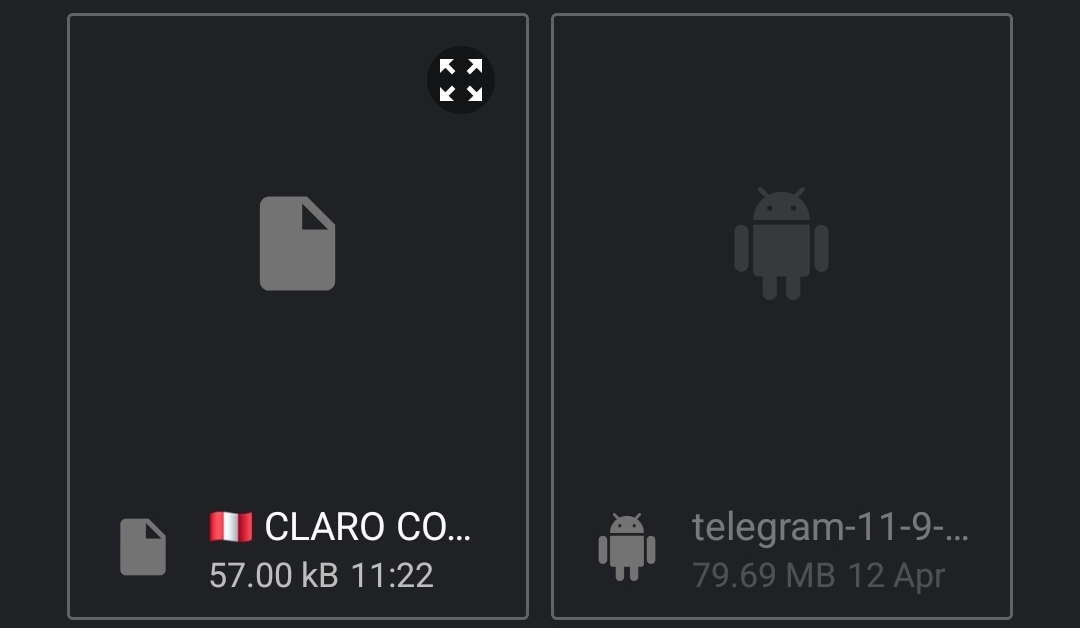
Downloads folder .ehi file selection

The config will load automatically into the app.

4.Step 4: Connect

Once the config is loaded, you are ready to connect and enjoy free internet.

Tap Start / Connect

If everything is correct, checking the log tab will show it has connected successfully 🎉

HTTP Injector Only

Need a Config File to Test?

Download one right now and import it using the steps above.

View All Files

Important Tips Before Connecting

Do NOT Change Settings

Config files are already pre-configured. Editing details might break the connection.

Mobile Data / Network

Make sure mobile data is ON and you're using the correct network for the config.

Troubleshooting

Not Connecting

  • Try another config file
  • Turn airplane mode ON/OFF
  • Check your signal

No Internet After Connecting

  • Switch to another config
  • Try different time (night works better 🌙)

File Not Showing

  • Check Downloads folder
  • Re-download the file

Is It Safe?

Using HTTP Injector is thoroughly safe if:

Files are from trusted sources

You don’t modify settings

Configs are highly tested

Conclusion

Importing HTTP Injector config files is extremely simple and fast. Once you've downloaded the file, just open the app, tap the files icon, import the config, and hit connect. That's it! 🚀

Open app
Click files icon
Import config
Tap connect

More HTTP Injector Guides

Frequently Asked Questions

Q: What is a .ehi file?

A: A config file used securely in HTTP Injector.

Q: Do I need to change settings?

A: No, everything is already configured and embedded in the file.

Q: Why is my config not working?

A: It may be expired or incompatible, try another one.

Q: Where is the file saved?

A: Automatically situated in your Downloads folder.