

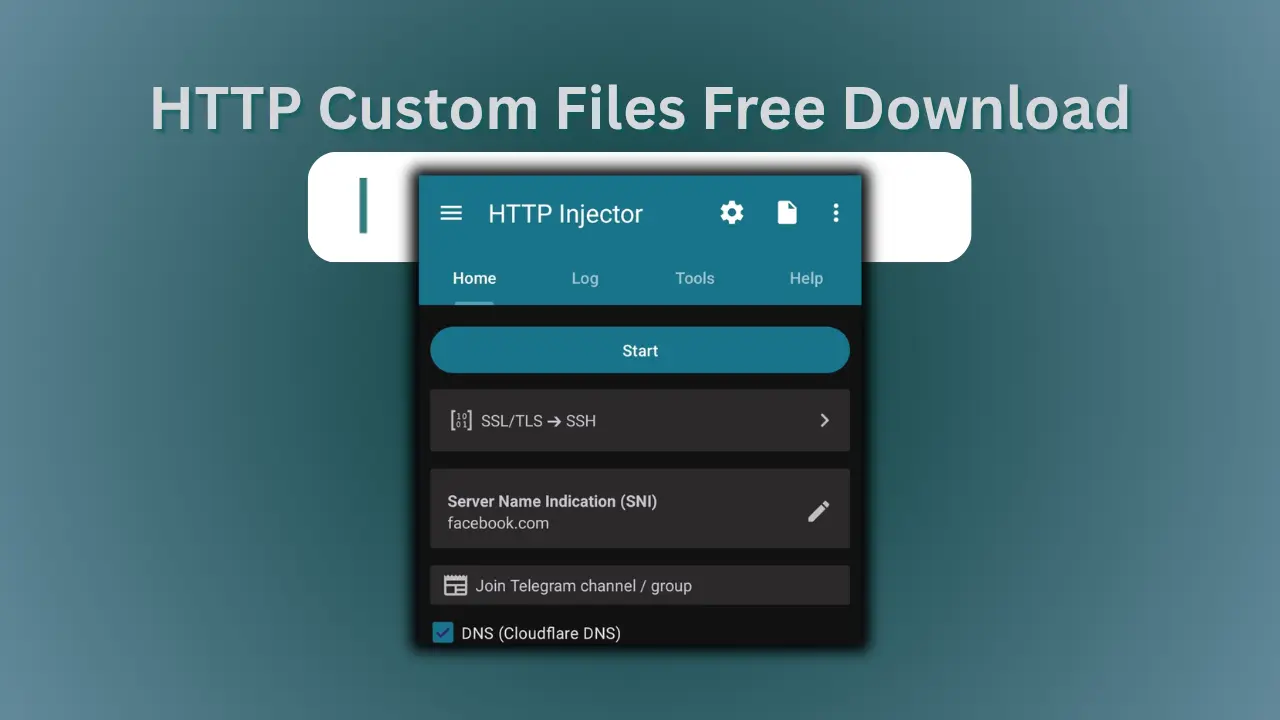
1.Step 1: Go to Files Section
First, head over to the files section where all the configs are uploaded.
Config Files Library
All approved and working HTTP Injector config files in one place.
Filter Files
Select HTTP Injector as VPN type from the filter options to only show .ehi files.
Keep Trying
Try multiple files if one doesn’t work right away for your network.
2.Step 2: Download the File
Once you’ve found the right HTTP Injector config, download it directly to your device.
Click on any file you want to download
Tap the Download button
The .ehi file will be saved to your Downloads folder
3.Step 3: Install HTTP Injector
If you don’t have the app yet, install HTTP Injector from the Play Store.
Get the App
Ensure you have the latest version of HTTP Injector installed.
4.Step 4: Locate Your File
After downloading, find your .ehi file so you can use it.
Open File Manager
Go to Downloads
Find your .ehi file (e.g., free-net.ehi)
Next Steps
Now that you've got the file, it's time to import it.