

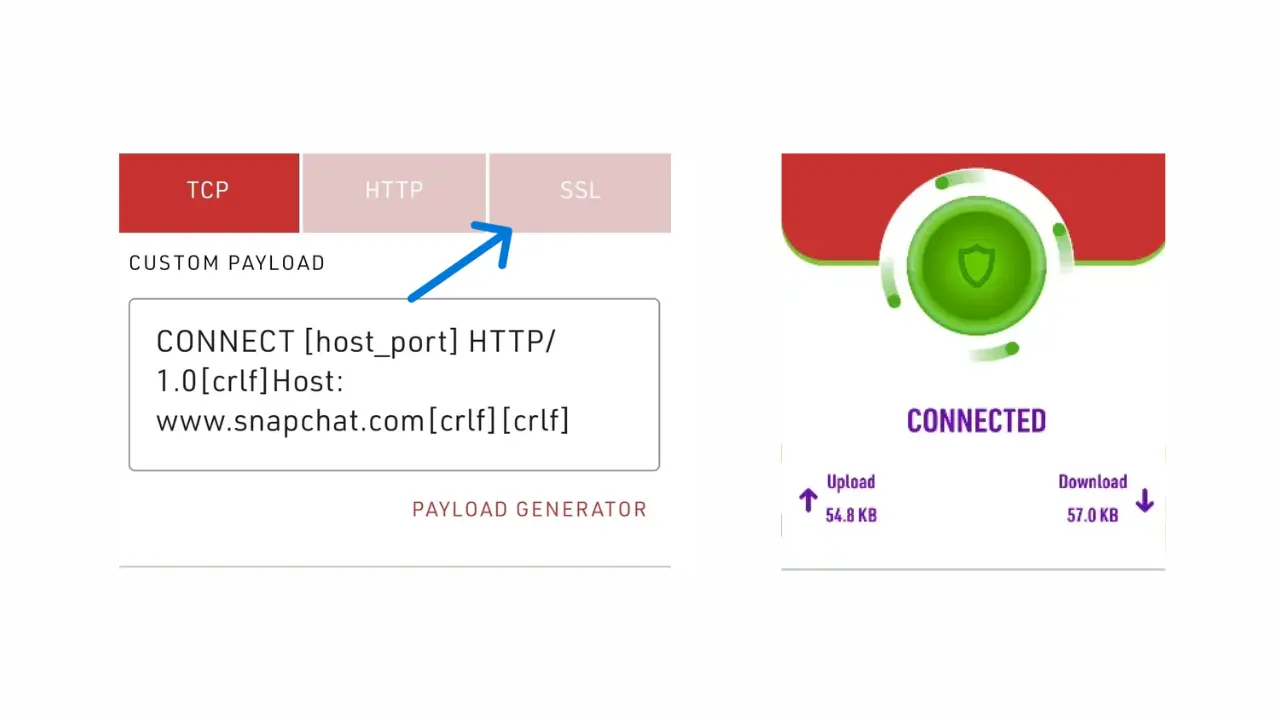
1.Step 1: Visit the Config Files Page
To download working Stark VPN configs, go to our files page where all available VPN configs are listed and regularly updated.
Config Files Library
All approved and working Stark VPN config files in one place.
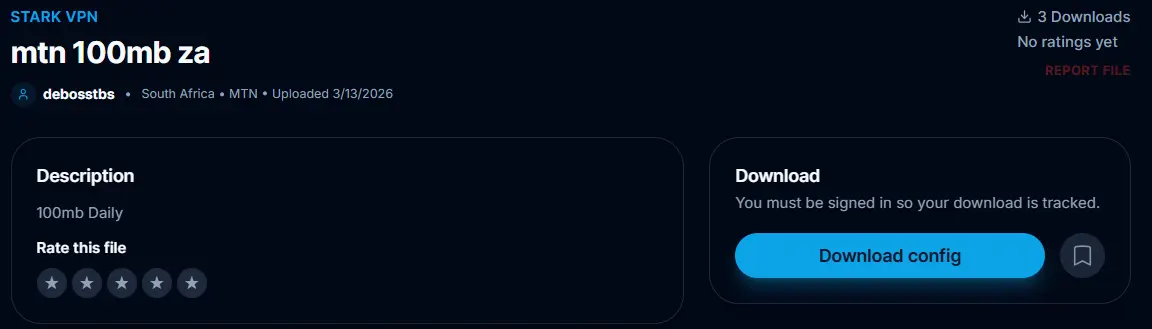
2.Step 2: Filter for Stark VPN Files
Once on the files page, use the VPN type filter to narrow down results to Stark VPN only.

3.Step 3: Choose a Config File
Browse through the available files and pick one that matches your network and location for the best connection.
Country
Select a config from your region for faster speeds.
Network
Match the config to your SIM card network.
Ratings ⭐
Higher rated configs are more reliable.
Downloads
More downloads usually means more tested and working.
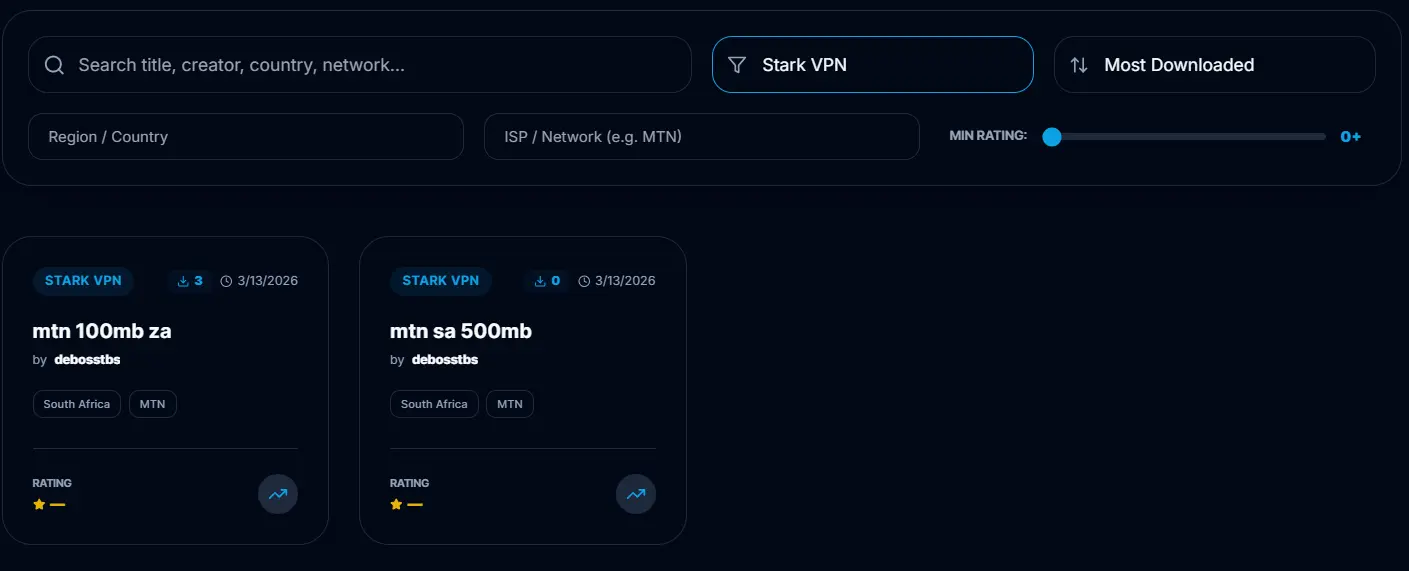
4.Step 4: Download the File
Once you've found the right config, download it directly to your device.
Click the Download button on the file page
The file will be saved to your device automatically
Stark VPN config files use the .stk format
5.Step 5: Locate the File
After downloading the file, find it on your device so you can import it into Stark VPN.
Open your File Manager
Navigate to "Downloads"
Find your .stk file
What to Do After Downloading
Once you have the file, the next step is to import it into the Stark VPN app.
How to Import Stark VPN Config Files